Best Video Editing Course in Vijayawada
Become a Pro Video Editor in Just 21 Days
Learn on Industry-Level Apple Systems — Real Time Projects — Job-Focused Training
Choose Your Learning Path:
🔥 Why Choose Our Video Editing Course?
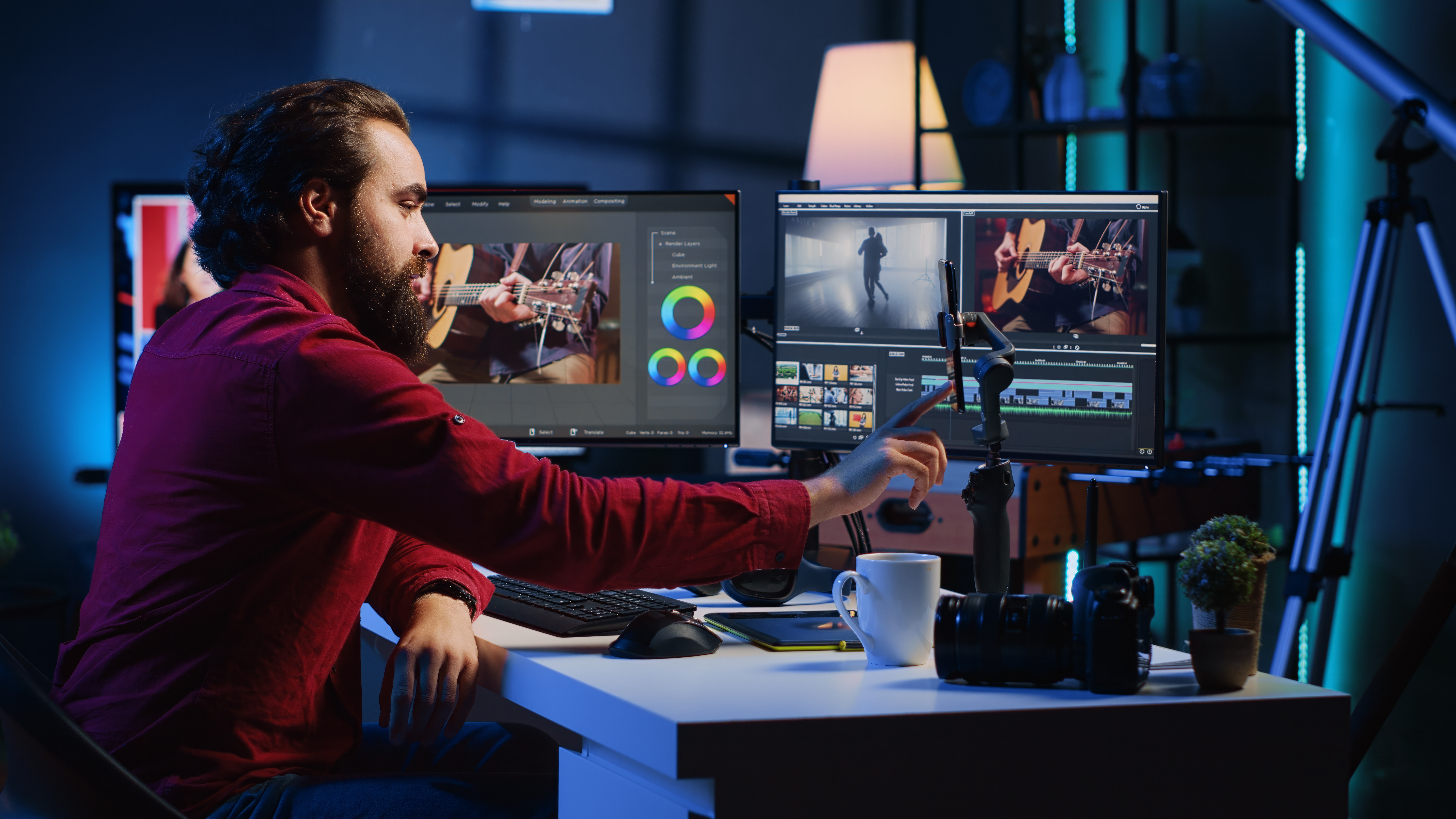
Join our professional video editing training to master Premiere Pro, Final Cut Pro, and DaVinci Resolve, and become job-ready in just one month.
Hands-On Real World Projects
Work on actual client projects including wedding films, social media content, and corporate videos. Build a portfolio that showcases your skills to potential employers.
Master Industry-Standard Software
Become proficient in Adobe Premiere Pro, DaVinci Resolve, and Final Cut Pro - the tools used by professional editors worldwide. Learn which software is best for different projects.
100% Practical, Project-Based Learning
No boring theory - learn by doing. Our 'learn video editing quickly' approach focuses on practical skills you'll use daily as a professional editor.
Learn From Industry Professionals
Our instructors are working editors with years of experience. Get insider tips and techniques you won't find in online tutorials or free courses.
Build a Professional Portfolio
Graduate with a portfolio of professional projects. Learn how to showcase your work to attract clients or employers in the competitive video editing market.
Job Placement Assistance
Get help finding freelance opportunities or full-time positions. Our career support includes resume building, client pitching, and interview preparation.
Your 21-Day Journey From Beginner to Professional Editor
Wondering how long it takes to get good at editing? Our intensive program is designed to fast-track your skills with industry-relevant training that delivers real results.
The 80/20 Rule in Action
We focus on the 20% of techniques that deliver 80% of results - the most efficient path to professional editing skills.
What Makes Our Program Different
Accelerated Learning Path
Yes, you can learn video editing in 21 days! Our curriculum is specifically designed to maximize learning efficiency with daily hands-on projects.
Industry-Standard Tools
Master Adobe Premiere Pro, DaVinci Resolve, and Final Cut Pro - the software used by professional editors worldwide.
Career-Focused Training
Is video editing worth learning in 2025? Absolutely! We prepare you for freelance opportunities, agency positions, and content creation careers.
Mentorship & Support
Can you teach yourself video editing? Possibly, but with expert guidance and feedback, you'll progress faster and avoid common pitfalls.
🌟Get Free Professional Portfolio With Our Course
Showcase your video editing skills with a personalized portfolio website included with your training
Your Professional Portfolio Includes:
Customizable Design
Easily customize layout, and content to match your personal brand
Admin Panel
Intuitive dashboard to manage your projects, skills, and personal information
Mobile Responsive
Looks great on all devices - phones, tablets, and desktops
Video Integration
Showcase your best work with embedded videos from YouTube and Instagram
Perfect for Job Applications
Impress potential clients and employers with a professional online presence that showcases your video editing skills and completed projects.
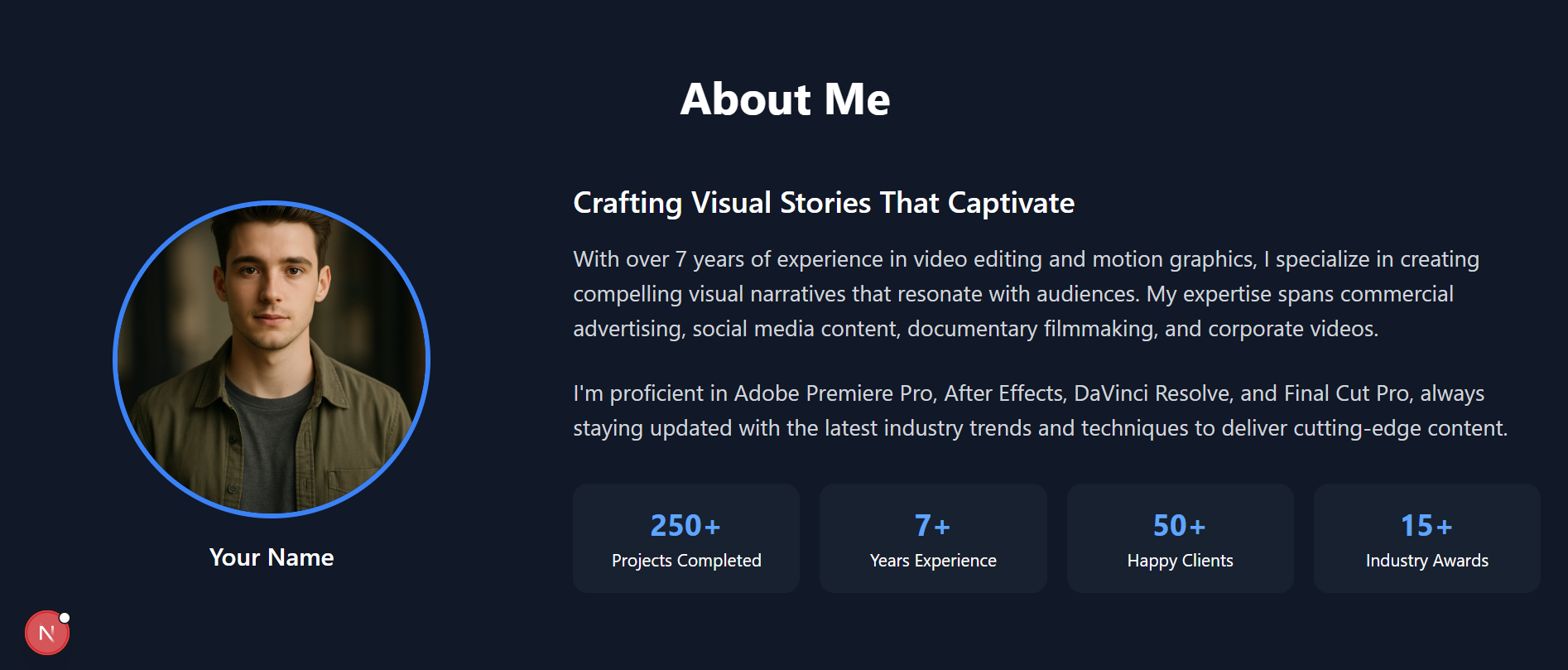
See what your portfolio could look like after completing the course
How It Works
Complete Training
Finish our video editing course with hands-on projects
Get Access
Receive login details for your personalized admin panel
Customize & Share
Add your projects and share your portfolio with the world
Your Video Editing Questions Answered
We address the most common questions about learning video editing and building a successful career
How quickly can I learn video editing?
Our 21-day program is designed to take you from beginner to job-ready editor. While mastery takes time, you'll gain practical skills immediately applicable to real projects. Most students begin taking on paid work within 2-3 months of starting.
What's the earning potential?
Video editors in India earn ₹10,000-₹50,000 monthly to start, with experienced professionals making ₹20,000-₹1,50,000+. Freelancers charge ₹3,000-₹25,000 per project. The industry is growing rapidly with content creation expanding across all platforms.
Self-teaching vs. structured courses?
While free tutorials can teach basics, structured learning provides comprehensive training, feedback, and industry insights you won't find online. Our students report learning in weeks what would take months through self-teaching.
Is video editing relevant in 2025?
Video content consumption is growing 100% year-over-year. With the rise of short-form content, streaming platforms, and corporate video marketing, skilled editors are in higher demand than ever before. This trend is expected to continue through 2025 and beyond.
Master Professional Editing Skills & Tools
Learn industry-standard techniques and software used by professional editors worldwide
What You'll Master
Professional Editing Workflows
From importing media to final export for various platforms
Color Grading & Correction
Create cinematic looks and fix footage issues
Audio Enhancement
Clean dialogue, add sound effects, and mix audio professionally
Motion Graphics Basics
Create engaging titles and simple animations
Core Editing Competencies
Master these essential editing skills that apply across all professional software platforms:
Storytelling & Pacing
Create compelling narratives through strategic clip sequencing and timing
Visual Enhancement
Transform raw footage with color correction and visual effects
Audio Mastery
Clean, mix, and enhance audio for professional quality sound
Workflow Efficiency
Develop time-saving techniques for faster, more efficient editing
Software-Agnostic Skills
While we teach using industry-standard tools, the editing principles you'll learn apply to any software, making you adaptable to different workplace environments.
Why Choose Our Program?
Real-World Project Experience
Work on actual client briefs and build a portfolio that showcases your skills to potential employers.
Industry-Connected Instructors
Learn from working professionals who understand current industry trends and requirements.
Career Support System
Get help with job placement, freelancing opportunities, and building your professional network.
Ongoing Learning Access
Lifetime access to course materials and updates, plus alumni community for continued support.
Beginner Friendly
No prior experience needed! We start with the fundamentals and gradually build up to advanced techniques.
🎁 FREE Bonuses Worth ₹50,000+
Enroll in our professional video editing course today and get exclusive resources to accelerate your career in Premiere Pro, Final Cut Pro, and DaVinci Resolve.
Professional Asset Library (Worth ₹15,000)
Get access to premium LUTs, transitions, sound effects, and motion graphics templates. These professional assets will make your projects stand out immediately.
Editing Efficiency Kit (Worth ₹8,000)
Keyboard shortcut cheatsheets, workflow checklists, and project organization templates that will save you hours on every project.
Client Management System (Worth ₹12,000)
Learn how to price projects, create contracts, and manage client relationships. These business skills are essential for freelance editors.
Lifetime Community Access (Priceless)
Join our exclusive community of editors for ongoing support, feedback on projects, and job opportunities even after completing the course.
Your Path to Video Editing Mastery
Comprehensive training options designed to fit your learning style and career goals
Why our course is right for you?
We offer structured learning paths that take you from complete beginner to job-ready editor:
✓Foundation Program
- •Editing fundamentals & workflow mastery
- •Storytelling techniques & pacing
- •Basic color correction & audio editing
- •Perfect for absolute beginners
✓Advanced Specialization
- •Cinematic color grading techniques
- •Advanced motion graphics integration
- •Specialized training for different genres
- •Portfolio development & client management
Investment in Your Future
We offer transparent pricing with options for different budgets and learning preferences:
Classroom Experience
- ✓Hands-on training with professional equipment
- ✓Direct instructor access & immediate feedback
- ✓Peer collaboration & networking opportunities
- ✓Studio access during and after course completion
Online Flexibility
- ✓Learn from anywhere at your own pace
- ✓Lifetime access to course materials
- ✓Weekly live Q&A sessions with instructors
- ✓Community support & feedback on projects
💡Payment Options & Support
We offer flexible payment plans, early-bird discounts, and sometimes scholarships for deserving students. Contact us to discuss options that work for your situation.
Your Editing Career Awaits
Video editing skills open doors to diverse opportunities in today's content-driven world:
Employment Opportunities
Studio Editor
₹25,000 - ₹60,000/month
Content Creator
₹30,000 - ₹80,000/month
Corporate Video Producer
₹35,000 - ₹90,000/month
Freelance Potential
Wedding Films
₹8,000 - ₹25,000/project
YouTube Content
₹5,000 - ₹15,000/video
Corporate Videos
₹15,000 - ₹50,000/project
Industry Growth
The video content industry is growing at 15% annually, with increasing demand for skilled editors across media companies, marketing agencies, and content creators. Now is the perfect time to build these skills.
How We Support Your Career Journey
We're committed to your success beyond the classroom with comprehensive career support:
Industry Connections
Access to our network of production houses, agencies, and content creators
Portfolio Development
Guidance on creating a standout portfolio that showcases your unique skills
Freelance Launchpad
Learn how to find clients, price projects, and manage your editing business
Continued Mentorship
Ongoing support and feedback even after you complete the course
Success Stories
Our students have gone on to work with major brands, start successful freelance businesses, and build careers at production houses across India. Your success story could be next!
Invest in Your Video Editing Career
Select the option that best fits your needs - hands-on in-person training or flexible online learning
In-Person Training
Hands-on learning with industry equipment
Complete 21-day professional video editing training with certification and Complete online access
- ✓Hands-on training with Adobe Premiere Pro, Final Cut Pro & DaVinci Resolve
- ✓Real client project experience
- ✓Portfolio development
- ✓Internship opportunities & placement support
- ✓Lifetime access to online community & support
Batch Availability
Online Course
Learn from anywhere at your own pace
Complete online access to professional video editing course with certification
- ✓Comprehensive training with Adobe Premiere Pro, Final Cut Pro & DaVinci Resolve
- ✓Learn at your own pace with 24/7 access
- ✓Practical projects & exercises to build your portfolio
- ✓Weekly live Q&A sessions with industry experts
- ✓Lifetime access to course updates and online community
Learning Options
Choose Your Learning Path
Whether you prefer hands-on classroom learning or flexible online training, we have the perfect option for you
Classroom Training
Location
Vijayawada, Andhra Pradesh
Schedule
Fixed Timings (Morning/Evening)
Equipment
Apple Systems Provided
Interaction
Direct Instructor & Peer Interaction
Certification
Globally Recognized Video Editing Certificate
Online Training
Location
Learn From Anywhere
Equipment
Should be Prepared by You
Schedule
Learn at Your Own Pace
Access
Lifetime Course Access
Support
Weekly Live Q&A Sessions
Not sure which option is right for you? Contact us for personalized advice.
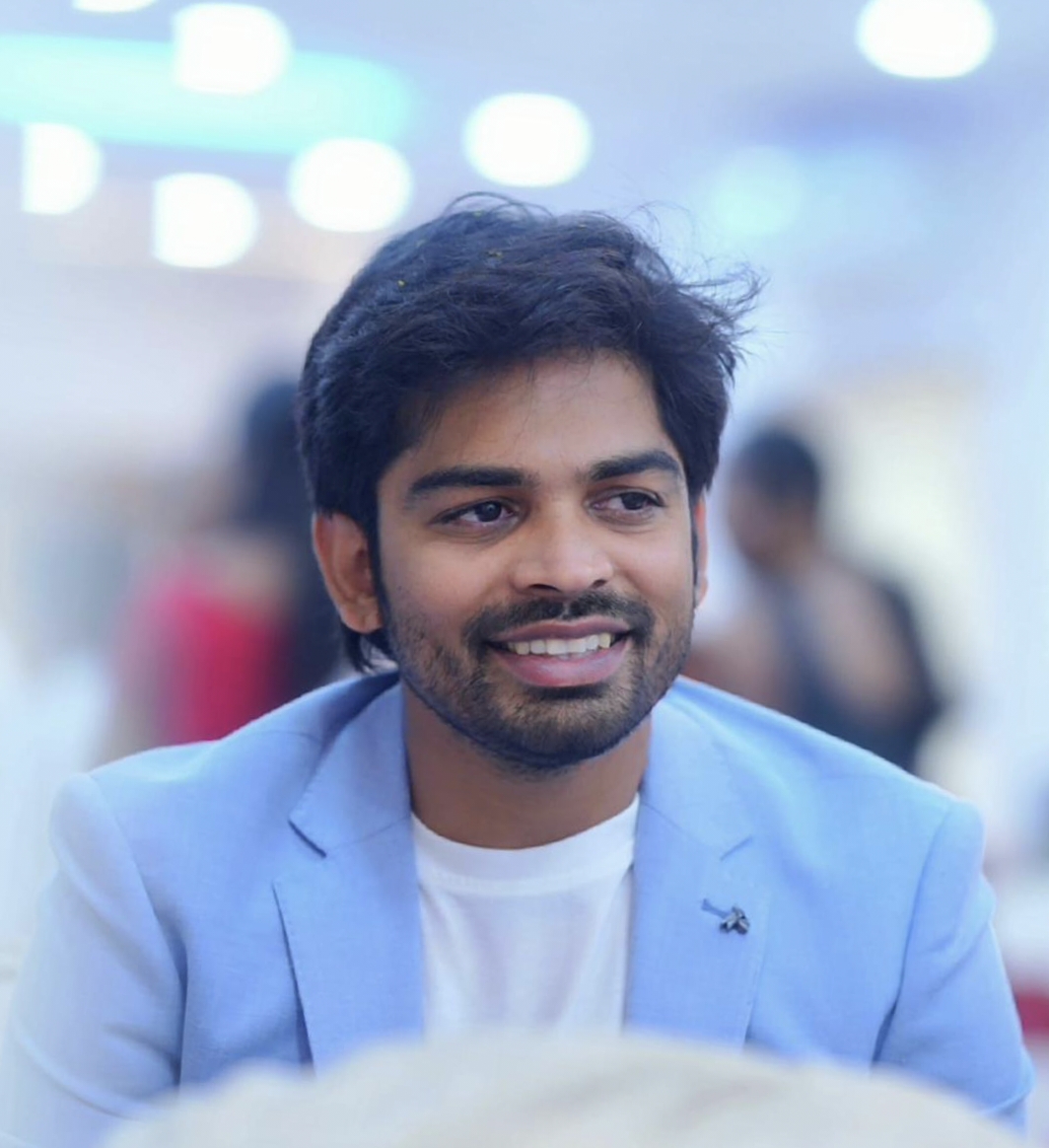
Learn from a 15+ Year Video Editing Experts
"I founded Snap U Photography to share my passion for storytelling through video. Over the years, I've edited thousands of wedding films, cinematic projects, and trained dozens of editors in professional video editing courses, Adobe Premiere Pro courses, DaVinci Resolve courses, and film editing classes."
My goal is to help aspiring editors fast-track their careers with online video editing courses, video editing training programs, and video editing certification programs online — without wasting years figuring it out on their own.
Get in Touch for Video Editing Courses
Have questions about our professional video editing training, Adobe Premiere Pro courses, or wedding video editing courses? Contact us and we'll respond within 24 hours.
Send us a Message About Video Editing Courses
Contact Information
Location
Snap U Video Editing Institute
Vijayawada, Andhra Pradesh
Phone & Email
+91 9391678947
snapuedits@gmail.com
Working Hours
Monday - Saturday
Sunday: Closed
Why contact us for video editing courses?
- ✓Get personalized guidance on Premiere Pro courses and DaVinci Resolve training
- ✓Schedule a studio visit for hands-on video editing classes
- ✓Discuss video editing course fees and batch options
- ✓See student work samples from professional video editing courses
- ✓Get answers about online video editing certification and courses for beginners
Ready to Kickstart Your Career in Video Editing?
Join our professional Adobe Premiere Pro course, DaVinci Resolve course, or wedding video editing course and turn your passion into a profession.
Join 1000+ students who have transformed their careers with our courses
Adobe Premiere Pro 2025
21-Days Mastery Course
This intensive 21-day course is designed to take you from a complete beginner to a proficient video editor using the latest tools in Adobe Premiere Pro 2025. Through daily lessons, hands-on exercises, and practical projects, you will learn the entire post-production workflow, from importing and organizing footage to advanced color grading, audio mixing, and professional exporting.
Course Curriculum
Week 1: Week 1 - Foundation & Basic Editing
Welcome to the Editing Suite
Topics Covered:
Overview of Premiere Pro 2025, New AI Features, Understanding the User Interface, Creating Your First Project.
Hands-On Exercise:
Create a new project and explore the different panels.
Importing and Organizing Like a Pro
Topics Covered:
The Project Panel, Importing Media, Using Bins, AI-Powered Tagging, Labeling, and Search.
Hands-On Exercise:
Import various media types and organize them into a logical folder structure.
Building Your Timeline
Topics Covered:
What is a Sequence?, Creating Sequences from Clips, Adding Clips to the Timeline, Basic Trimming.
Hands-On Exercise:
Build a simple 3-clip sequence with synchronized audio.
The Editor's Toolkit
Topics Covered:
Deep dive into essential Tools: Selection, Razor, Ripple, Rolling, Slip, Slide.
Hands-On Exercise:
Edit a dialogue scene using each tool to understand their unique purpose.
Audio Editing Fundamentals
Topics Covered:
Adjusting Clip Volume, Keyframing Audio, Fades, Intro to the Essential Sound Panel.
Hands-On Exercise:
Clean up and balance the audio levels in your sequence.
Frequently Asked Questions About Video Editing Courses
Everything you need to know about our professional video editing training, Adobe Premiere Pro classes, DaVinci Resolve courses, and certification programs.